Generation
How to Generate an Ethereum Vanity Address: Prefix or Suffix
Use an ETH address generator with a short hex prefix or suffix. Follow a worked cafe example, review the result and distinguish wallets from ENS and CREATE2.
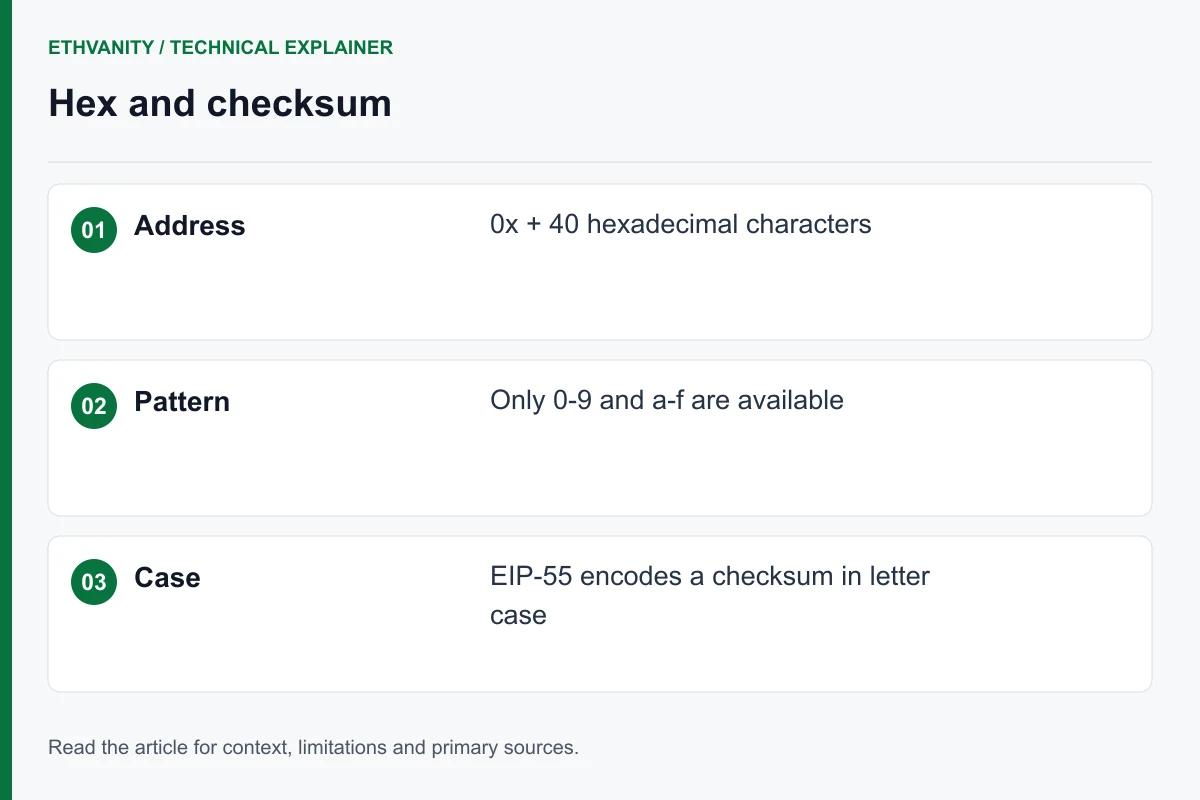
1. Choose the kind of address you need
Start by deciding what the result should do. This walkthrough covers a newly generated, key-controlled account with a recognizable fragment. The generator on this site does not register a name or deploy a contract. If you already have a funded account, a new vanity search does not move its balance or history.
| Goal | Use | Next step |
|---|---|---|
| Recognizable account address | A vanity keypair search | Continue with the pattern below. |
| Readable name for an existing address | A naming service | Read the ENS comparison. |
| Chosen contract deployment address | A contract deployment workflow | Read the EOA versus CREATE2 guide. |
2. Write a short fragment, not a complete address
Use the input to specify the characters you want matched. In prefix mode, ca means that the address body begins with ca after 0x; in suffix mode it means that the address ends in ca. Ellipses in examples describe omitted characters and must not be typed into the pattern field.
A first run is easier to interpret with two or three characters. Once the flow is familiar, choose the fragment that fits your purpose. The hexadecimal character guide explains why a name containing letters outside a–f cannot be entered literally.
| Idea | Enter | Review |
|---|---|---|
| A short prefix | ca | Match the beginning after 0x. |
| A longer recognizable word | cafe | Keep caf or ca as alternatives. |
| A numeric suffix | 123 | Match the final three characters. |
| The word coffee | c0ffee | The zero is a deliberate substitution; six positions require more work. |
3. Decide what letter case means for your design
Choose the matching mode before starting. If only the characters matter, case-insensitive matching leaves more acceptable results. If exact capitalization matters, check the tool’s matching rules and the final checksummed display. Do not change capitalization by hand after a result appears.
The checksum concerns how an address is represented; it is not a way to choose a different owner. A numeric fragment has no letter-case preference. Review the difficulty guide before committing to a longer exact-case pattern.
4. Run one search and assess the outcome
Open the Ethereum vanity address generator, select prefix or suffix, enter the fragment and start the search. Record the requested pattern and matching mode so you can compare the result with what you actually asked for.
Generation is a probabilistic search. An unfinished run does not establish that the pattern is impossible, and one quick result is not a forecast for another run. If your practical budget expires, stop and review the shorter fallback. Avoid opening several searches just because the first has not returned.
Before using this service, review its key-handling model: generation may run in a browser or on hosted infrastructure, and browser results are submitted to the service with the private key. Use an independently reviewed local workflow if offline generation is a requirement.
5. Check the full result and preserve the right backup
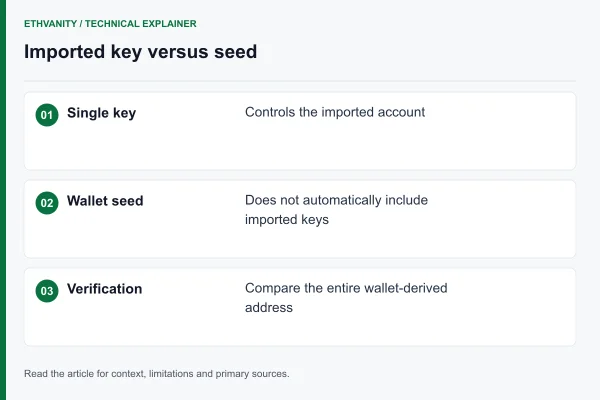
Compare the chosen prefix or suffix with the returned public address. Then follow the receiving wallet’s instructions for importing the returned secret and compare the complete address derived by that wallet. A matching fragment alone is not sufficient.
Keep the private key out of screenshots, support tickets and shared planning documents. A separately imported key may need its own backup; do not assume your existing wallet recovery phrase covers it. The MetaMask import guide explains this distinction.
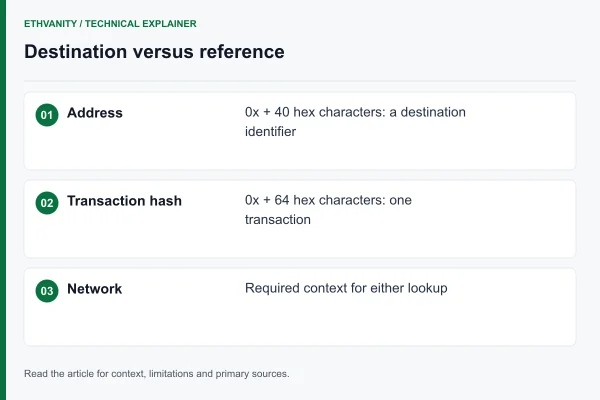
The public address can be used in receiving instructions only after the intended network and full destination have been reviewed. Generating a keypair does not itself send ETH, create a transaction or verify who controls a similarly patterned address.
Worked decision: cafe is a preference, ca is the fallback
Suppose a project wants cafe near the beginning of an address shown in its interface. Write down prefix mode, cafe as the preferred fragment and ca as the fallback. Keep the request separate from the result: a mockup showing 0xcafe… is not a destination that can receive funds.
After the search, review the actual checksum capitalization and the compact display. The interface may show only a few leading characters, so a longer requested fragment may not add visible value. Use the full address in the copy action and receiving record even when the label is shortened.
Continue from your result
Frequently asked questions
Can I turn an existing ETH address into a vanity address?
No. This search creates a different keypair. Editing your existing address text does not retain the same account, balance or transaction history.
Should I include 0x in the requested prefix?
The fragment describes characters in the address body. Use the generator’s field format; in the examples here, enter ca or cafe rather than 0xca or an address with ellipses.
Does an ETH address generator create a seed phrase?
Do not assume it does. This service returns an address and private key. Follow the import and backup instructions for that export format.
Can the same tool choose a smart-contract address?
A wallet keypair search and a contract deployment address search use different inputs. Use the EOA versus CREATE2 guide to identify the workflow you need.
Sources and editorial method
The technical references below support the concepts discussed in this article. Examples and comparison worksheets are explanatory, not measured service benchmarks.
Read next
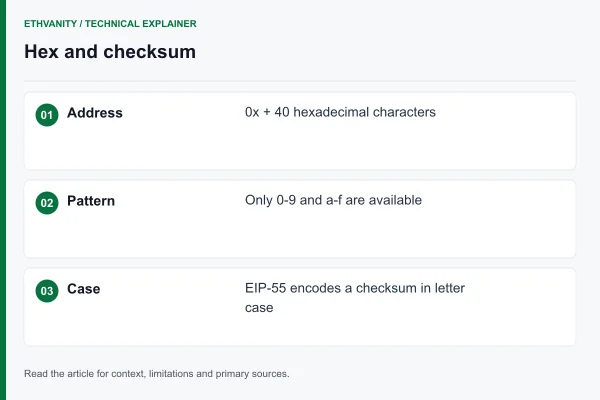
Address format8 min read
Ethereum Vanity Address Format: Hex Characters and EIP-55 Checksum
Which characters an Ethereum vanity address can use, how the EIP-55 checksum works, and why case-sensitive patterns need more attempts.
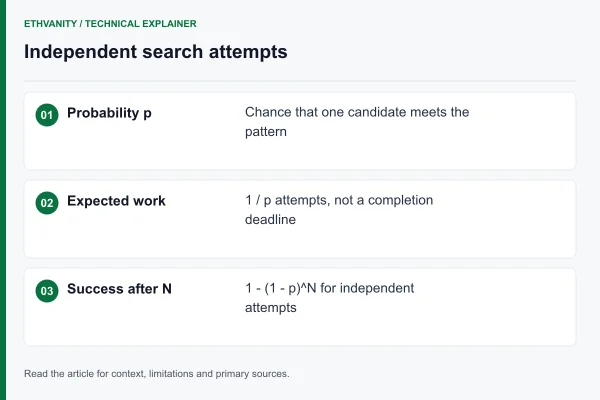
Difficulty7 min read
Ethereum Vanity Address Difficulty: Attempts, Odds and Time
How hard is an Ethereum vanity address? 16^n expected attempts, EIP-55 case factors, prefix plus suffix, success odds and search time.
Wallets7 min read
How to Import a Vanity Private Key into MetaMask Safely
How to import a vanity private key into MetaMask, why imported accounts are not covered by your recovery phrase, and safer hardware options.
Address format3 min read
Ethereum Address or Transaction Hash: How to Tell Them Apart
Separate account addresses from transaction identifiers before copying values into a wallet, explorer or project page.